In this guide, we will walk you through the simple process of adding money to your PhonePe Wallet. We’ll also cover the benefits of using the wallet for your daily transactions.
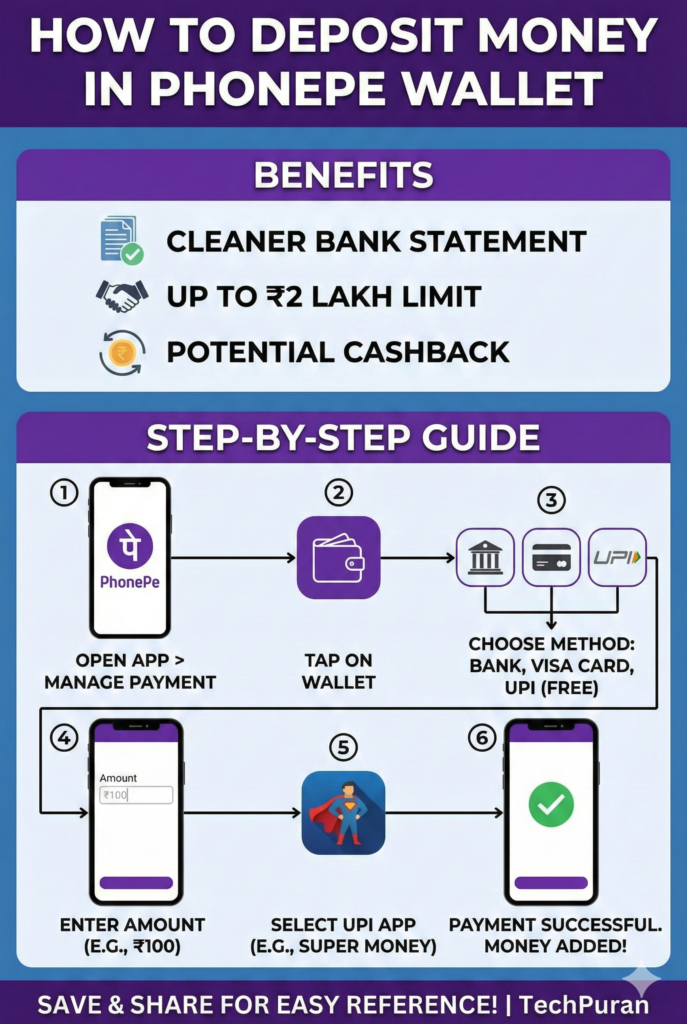
Benefits of Using PhonePe Wallet
Before we get into the steps, let’s quickly look at why you might want to use the PhonePe Wallet:
- Cleaner Bank Statements: Using your wallet for small, frequent transactions keeps your main bank statement uncluttered.
- Higher Transaction Limit: You can maintain a balance and transact up to ₹2 lakhs.
- Potential Cashback: While not guaranteed, you may sometimes receive cashback offers when you add money to your wallet.
Step-by-Step Guide to Add Money
Here is a simple, step-by-step process to deposit money into your PhonePe Wallet, complete with screenshots from the tutorial.
Step 1: Navigate to the Wallet Section
First, open the PhonePe app on your smartphone. From the home screen, go to the “Manage Payment” section.

Once you are in the “Manage Payment” section, you will see an option called “Wallet”. Tap on it to proceed.
Step 2: Choose Your Payment Method
On the next screen, you’ll be presented with three methods to add money:
- Bank: Directly from your linked bank account.
- Visa Card: Using a Visa credit or debit card (Note: Credit cards may incur a 1% extra charge, and Mastercards are not supported).
- UPI: Using any UPI app installed on your phone. This method is free of charge.
For this guide, we will select the UPI option.
Step 3: Enter Amount and Pay via UPI
After selecting UPI, you will be prompted to enter the amount you wish to deposit. For example, you can enter ₹100 and tap on the “Deposit” button.

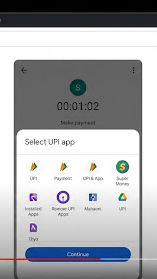
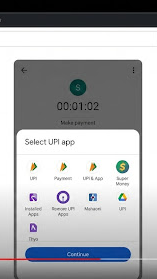
A pop-up will appear showing all the UPI apps installed on your device. Select the one you want to use to make the payment. In the video, the user selects the “Super Money” app.
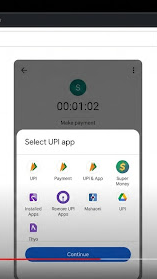
You will be redirected to the chosen UPI app to complete the payment. Once the payment is successful, you will be redirected back to PhonePe, and a confirmation screen will appear, indicating that the money has been added to your wallet.

Conclusion
That’s it! You have successfully deposited money into your PhonePe Wallet. You can now use this balance for various payments and transfers. We hope this guide was helpful. If you have any questions, feel free to leave a comment below.
Frequently Asked Questions (FAQs)
Q1. Is there any fee for adding money to the PhonePe Wallet? It depends on the payment method. If you use UPI or a Debit Card, it is typically free. However, if you use a Visa Credit Card, there is a 1% extra charge.
Q2. Can I use a Mastercard to add money? No, currently you cannot add money using a Mastercard. As mentioned in the tutorial, you must use a Visa card or UPI to top up your wallet.
Q3. What is the maximum amount I can hold in my PhonePe Wallet? You can hold a maximum balance of ₹2 Lakhs in your PhonePe Wallet at any given time.
Q4. Will I get cashback every time I add money? Not necessarily. Cashback offers are occasional and may not be available for every transaction. It is best to check for any active offers before adding money.
Q5. Why should I use the Wallet instead of paying directly from my bank? Using the wallet helps keep your bank statement clean. Instead of your passbook filling up with hundreds of small entries (like ₹10 or ₹20), you will only see one entry for the amount you deposited into the wallet.
Q6. Can I transfer the money back to my bank account? Yes, PhonePe generally allows you to withdraw your wallet balance back to your linked bank account, usually without any extra charges, though this requires completing your KYC.