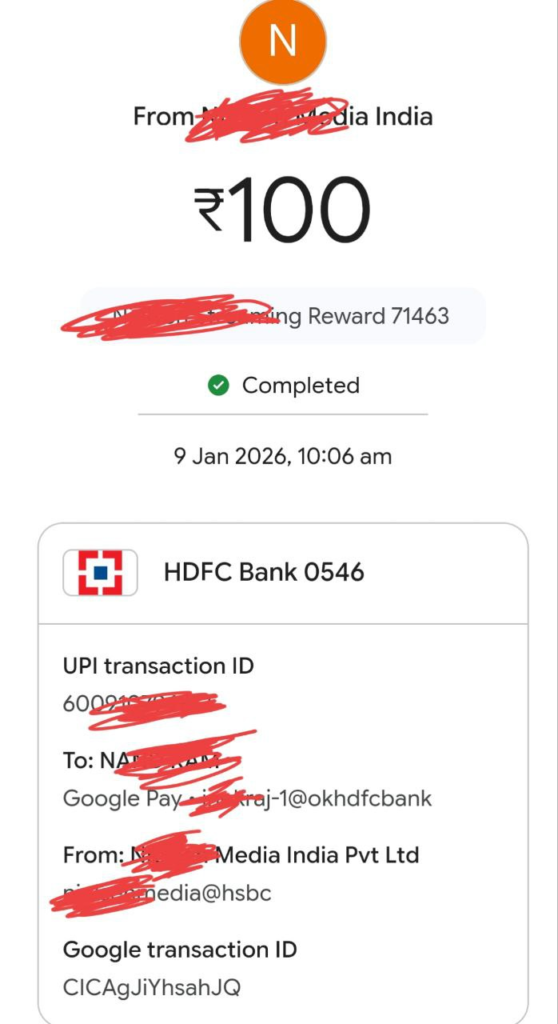
In this post, I have shared Confluence app withdraw proof, how you cane earn money on autopilot with this app.
Learn how to earn passive income in India with the Confluence App by Nielsen. Get a step-by-step guide to claim your ₹70 install bonus, earn daily points, and withdraw cash to your UPI bank account.
Earn Passive Income Daily with the Confluence App: A Complete Guide
Are you looking for a legitimate way to earn some extra cash on the side without much effort? In the crowded world of “money-making apps,” it can be hard to find one that actually pays. However, a new opportunity backed by Nielsen, a global leader in market research, is gaining attention.
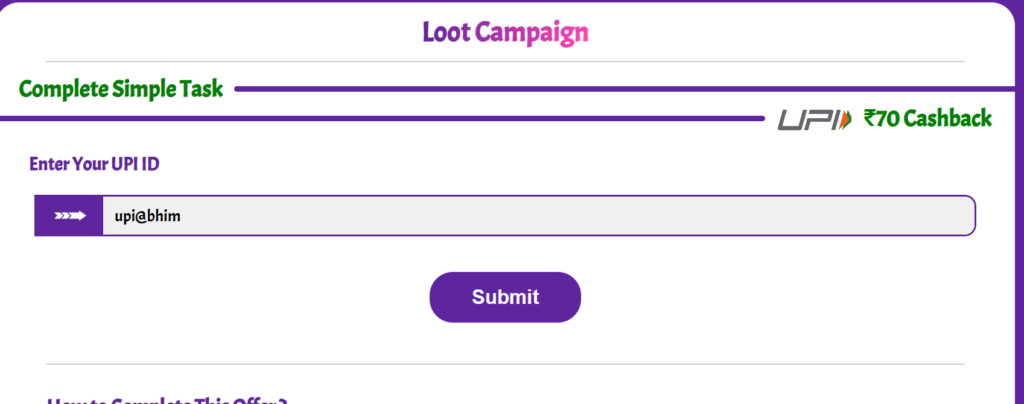
The Confluence App offers a simple premise: keep the app installed, sync it daily, and earn passive income. It’s a “set it and forget it” system that rewards you for sharing anonymized mobile usage data.

This guide will walk you through exactly how to install the app, secure an immediate ₹70 bonus, and set up a stream of small, daily passive income directly to your bank account.
What is the Confluence App?
The Confluence app is a market research tool designed to understand how people use their mobile devices. By installing the app and granting it necessary permissions, you become a part of a research panel. In exchange for running the app in the background, Nielsen rewards you with points that can be converted into real cash.
The Earning Potential Breakdown
Before diving into the installation, here is what you can expect to earn:
- ₹70 Instant Install Bonus: Credited directly to your UPI after 4 consecutive days of use.
- 300 Points Signup Bonus: Approximately ₹30 just for registering.
- 50 Points Daily: Earned by clicking the “Sync Now” button once a day (approx. ₹5/day).
- Long-term: This totals approximately ₹1,800 per year in completely passive income.
Step-by-Step Installation and Setup Guide
Follow these steps precisely to ensure you receive the initial bonuses and set up the app correctly.
Step 1: Register for the ₹70 Bonus Link
To qualify for the specific ₹70 install bonus mentioned in the guide, you must start through a specific campaign portal.
- Click the registration link.
- You will land on a colorful page asking for your UPI ID first. It is crucial to enter your correct UPI ID here, as this is where your ₹70 bonus will be sent automatically.
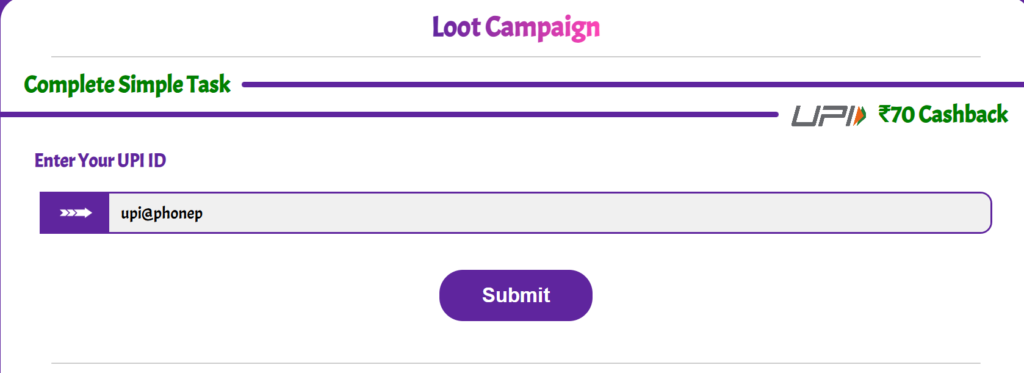
Step 2: Nielsen Registration & App Download
After submitting your UPI, you will be redirected to the official Nielsen website.
- Accept the terms and conditions (you may need to tick multiple boxes).
- Fill in the sign-up form with your details (Name, Mobile Number, Date of Birth, etc.).
- Once registered, select the “Mobile Panel” option.
- Click the link to install the “Confluence App” directly from the Google Play Store.
Step 3: Crucial Permissions Setup
This is the most critical part. For the app to function and generate income, it requires significant permissions to run in the background and monitor usage.
Open the app and log in with your mobile number. You must grant the following:
- Usage Access: Allows the app to see what other apps you use.
- Accessibility: Needed for the app to function in the background.
- VPN Configuration: The app sets up a local VPN to monitor data traffic for research purposes.
- Battery Optimization: You must exclude the app from battery optimization so it doesn’t get killed in the background.
After granting these, you will need to complete a short demographic survey (education, income, etc.) and verify your email address to finalize your profile.
How to Earn and Withdraw Money
Once set up, the earning process is incredibly simple.
The Daily Task:
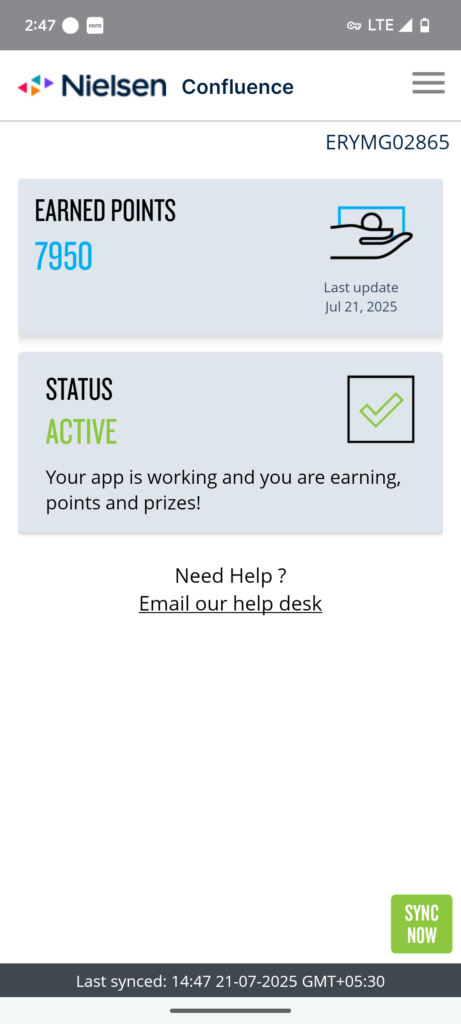
Every day, open the Confluence app. You will see your dashboard and point total. Simply click the “Sync Now” button. You will see a message confirming data has been pasted successfully. This action adds 50 points to your account.
Receiving the ₹70 Bonus:
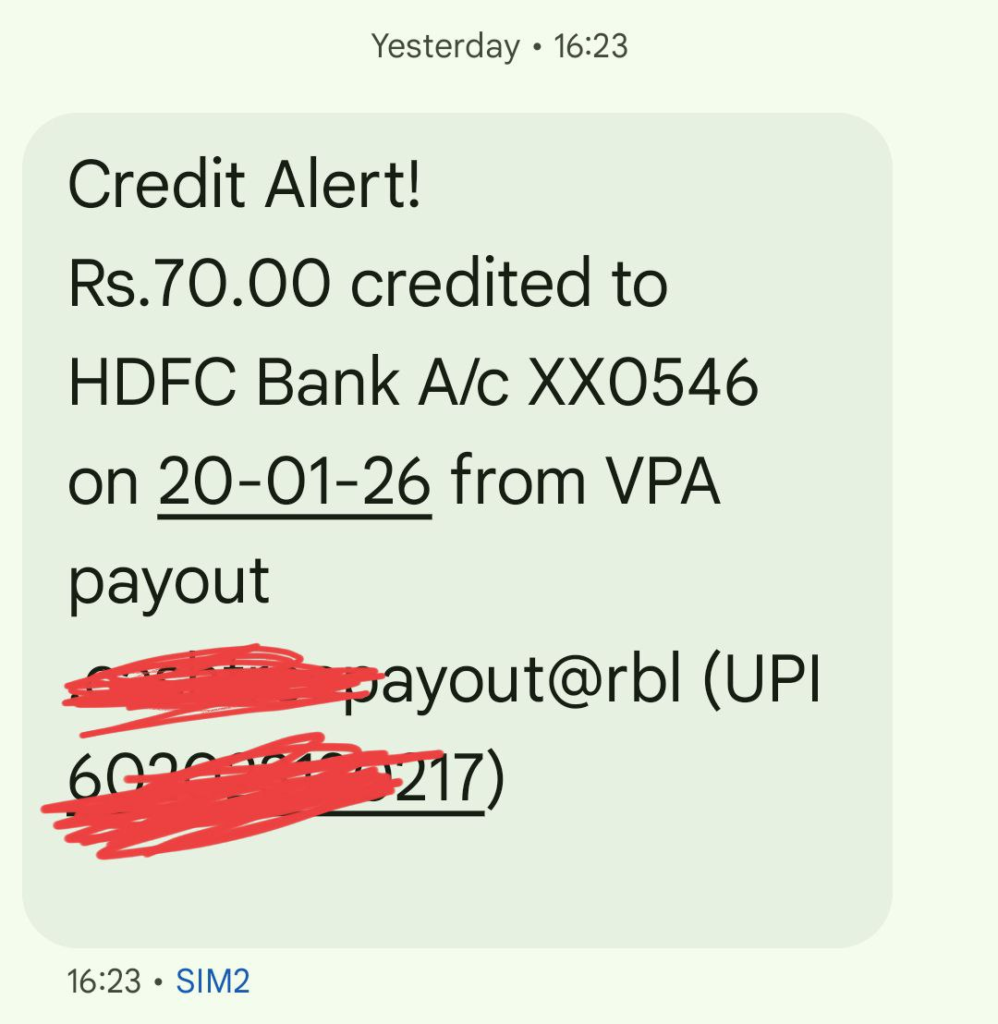
You must successfully open the app and “Sync” for 4 consecutive days after installation. On the 4th day, the ₹70 bonus is automatically sent to the UPI ID you provided in Step 1.
Withdrawing Your Accumulated Points:
Your daily 50 points add up. The conversion rate is 1000 Points = ₹100.
- Once you reach a minimum of 1000 points, go to the Confluence website portal and log in.
- Navigate to the redemption section.
- Select the amount you wish to withdraw.
- Enter a UPI ID for payment (this can be a different UPI ID than the one used for sign-up).
- Click withdraw. Payments typically take about 3 days to reflect in your bank account.
Frequently Asked Questions (FAQs)
Q: Is the Confluence App safe?
A: The app is backed by Nielsen, a highly reputable global market research firm. While the app requires extensive permissions to gather data on mobile usage habits, this data is anonymized for market research purposes.
Q: Why do I need to give VPN and Accessibility permissions?
A: These permissions allow Nielsen to understand how you use your phone—which websites you visit and which apps you use—which is the core purpose of the market research study.
Q: Do I need to open the app every day?
A: Yes. To earn the daily 50 points, you must open the app once a day and click “Sync Now.” It only takes a few seconds.
Q: When will I get the ₹70 install bonus?
A: You will receive the ₹70 bonus directly to your UPI bank account after you have successfully kept the app installed and synced data for 4 consecutive days.
Q: Can I install this on multiple devices?
A: If you have multiple phones, you can install the app on them to increase your household’s passive earnings, provided they are used by different individuals or for different primary purposes.